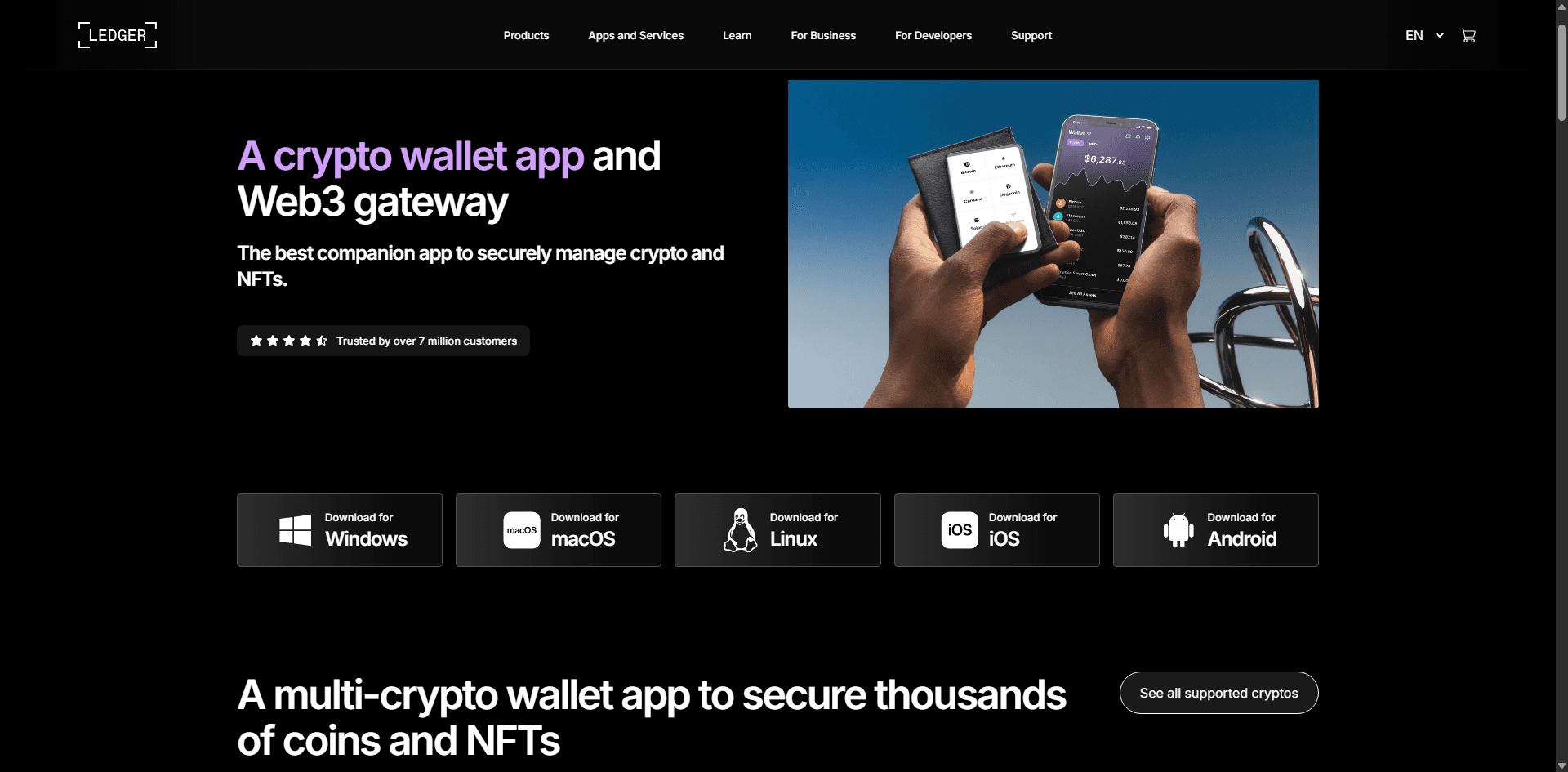
Ledger.com/start – Secure and Simple Ledger Wallet Setup
Ledger.com/start is the official setup page created to help users initialize their Ledger hardware wallet safely. Whether you are using a Ledger
Nano S Plus or Ledger Nano X, this page ensures you follow the correct steps to protect your digital assets from the very beginning.
What is Ledger.com/start?
Ledger.com/start is the trusted onboarding platform where users can begin setting up their Ledger device. It provides verified instructions and
guides you through downloading Ledger Live, connecting your device, and securing your wallet. Using the official page helps you avoid fake
websites and potential scams.
Why is Ledger.com/start Important?
Official Setup Process
It ensures you are following authentic instructions directly from Ledger, reducing the risk of mistakes.
Easy for Beginners
Even if you are new to cryptocurrency, the setup steps are simple and clearly explained.
Strong Security Foundation
It guides you through creating and safely storing your recovery phrase, which is essential for wallet security.
Step-by-Step Setup Guide
Follow these steps to set up your Ledger wallet:
Visit Ledger.com/start on your browser
Download the Ledger Live application
Install it on your desktop or mobile device
Connect your Ledger hardware wallet
Choose to create a new wallet or restore an existing one
Write down your 24-word recovery phrase carefully
Set a secure PIN code
Complete the setup and start managing your crypto
Security Best Practices
Never share your recovery phrase with anyone
Only download Ledger Live from the official source
Always verify the website URL before proceeding
Keep your recovery phrase stored offline and safe
Benefits of Using Ledger.com/start
Using Ledger.com/start gives you a safe and reliable way to begin your crypto journey. It reduces risks, simplifies setup, and ensures your wallet is
properly configured for long-term security.